
Can an ai automation consultant connect legacy systems

Legacy systems can be difficult to connect to modern applications because they often use outdated protocols, older databases, custom interfaces, or software that was never designed for integration. 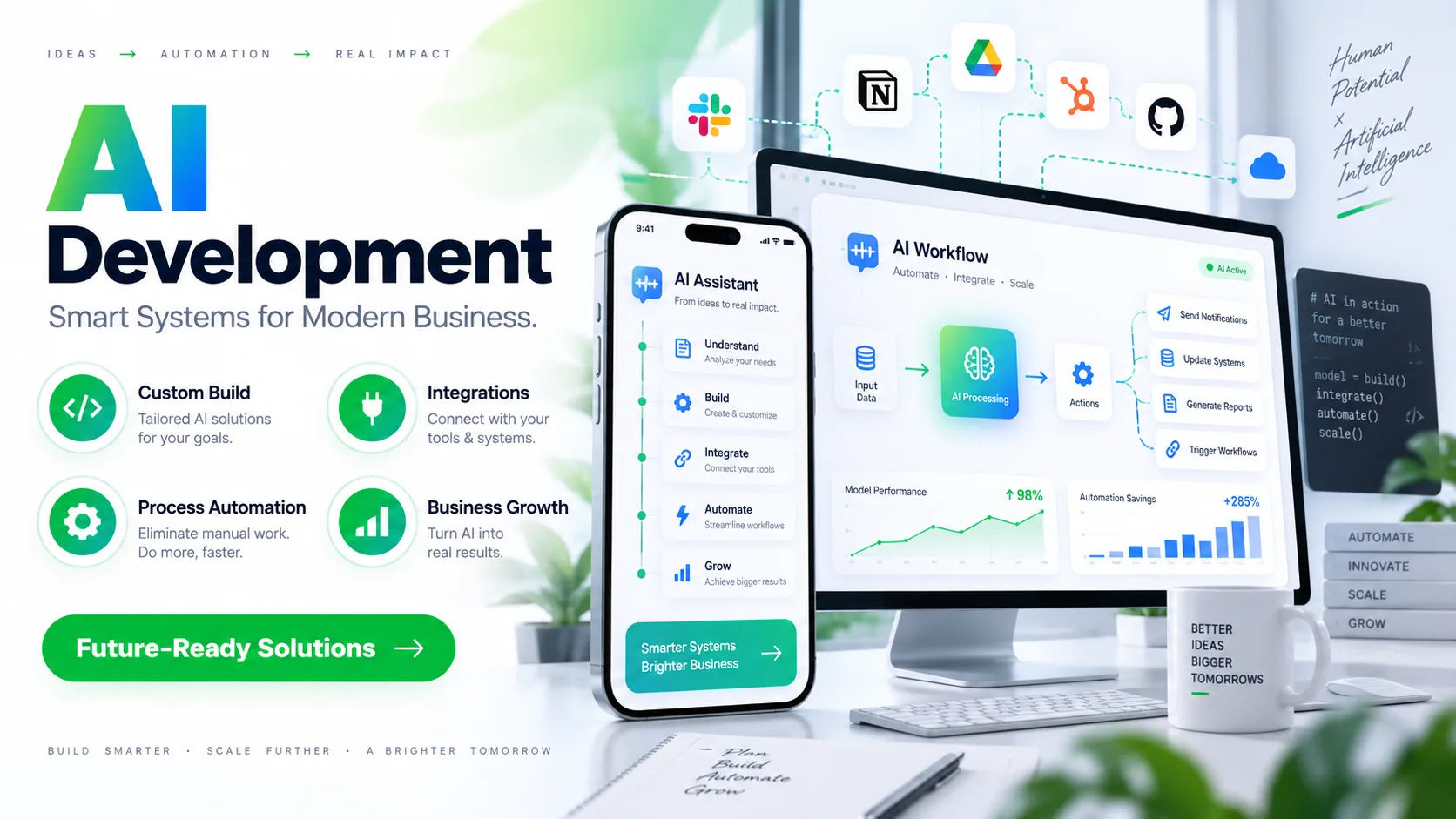 However, replacing those systems is not always practical. An ai automation consultant can help businesses connect legacy technology to newer platforms by designing an integration layer that allows information to move between systems without requiring a complete replacement.
The goal is usually not to make an old system behave like a modern application. Instead, the approach is to create a reliable bridge between the existing technology and the tools a business wants to use today. This can support automation while protecting valuable historical data and reducing disruption.
Why Legacy Systems Are Difficult to Connect
Legacy software can remain in use for decades because it performs an important business function. A manufacturing company might depend on an older production system, while a financial organization may have a database that contains years of valuable records.
The problem is that these systems were often built before modern APIs, cloud platforms, and automated workflows became common.
Some legacy applications have no API at all. Others may expose information through outdated protocols, direct database connections, flat files, or specialized interfaces. Documentation can also be incomplete, particularly when the original developers are no longer available.
This makes integration more complicated than simply connecting two modern applications.
Common Legacy Integration Problems
Several technical issues can appear during a legacy integration project.
Older applications may store information in unusual formats. Data might be separated across multiple tables or files without consistent naming conventions.
Authentication can also create difficulties. A modern cloud application may expect OAuth or another contemporary authentication method, while an older application might rely on credentials, local accounts, or proprietary access methods.
There can also be limitations around performance. A legacy application may have been designed for a small number of users and may not handle hundreds of automated requests efficiently.
Security is another important consideration. Connecting an old system directly to the internet or exposing its database unnecessarily can increase risk.
For these reasons, integration needs to be carefully designed rather than treated as a simple technical connection.
How an AI Automation Consultant Connects Legacy Systems
An ai automation consultant typically begins by understanding how the legacy system works before deciding how it should be connected.
This includes identifying where data is stored, how employees interact with the system, what information needs to move between applications, and which processes are currently handled manually.
The consultant can then determine whether the legacy system can communicate directly with another platform or whether an intermediary layer is required.
Using APIs When Available
An API is usually one of the cleanest ways to connect applications.
Some older systems do have APIs, even if those APIs are limited compared with modern platforms. A consultant can use the available endpoints to retrieve records, submit information, or trigger specific actions.
For example, a legacy order management system might expose customer and order information through an API. An automation workflow could retrieve that information and send it to a modern customer relationship management platform.
The important point is that the integration should respect the limitations of the existing API rather than assuming it behaves like a modern cloud service.
Working With Databases
Direct database integration is another possibility.
If the legacy application stores its information in a relational database, an integration may be able to read selected tables or views. In some situations, a separate integration database can be used to prevent automation processes from interfering with the application's operational database.
Care is especially important when writing data back into a legacy database.
Changing records directly without understanding the application's business rules can cause unexpected problems. A safer approach may involve controlled procedures, staging tables, or approved interfaces provided by the original software.
File-Based Integration
Some legacy systems communicate through files rather than APIs.
For example, an older application may export CSV, XML, or other structured files at scheduled intervals. Modern automation tools can monitor a designated location, process those files, validate their contents, and transfer the information to another application.
This approach may sound basic, but it can be highly effective.
A business does not necessarily need to replace a legacy system simply because it cannot provide a modern API. If the existing system can reliably produce structured information, automation can often work around that limitation.
Creating an Integration Layer
In many cases, the best solution is to place a middleware or integration layer between the legacy system and modern applications.
The legacy application communicates with this intermediary. The intermediary then translates information into a format that modern systems can understand.
This creates separation between the old and new environments.
For example, a legacy inventory system may use internal product codes and an outdated data structure. A modern e-commerce platform may expect standardized product IDs, stock quantities, and timestamps.
The integration layer can translate those values without requiring the legacy application itself to change.
Why Translation Matters
Data rarely matches perfectly between systems.
One application might call a customer "Client," while another uses "Customer." A legacy system might store dates in one format while a modern application expects another.
There may also be differences in measurement units, product codes, addresses, currencies, or status values.
An integration layer can transform this information before it reaches the destination system.
That makes the connection more dependable and reduces the need to modify the original software.
Can AI Help With Legacy Integration?
AI can contribute to the integration process, but it does not eliminate the underlying technical requirements.
An ai automation consultant can use AI-based tools to help analyze documentation, map data fields, identify patterns in records, classify information, and support workflow design.
AI can be particularly useful when legacy data contains unstructured information.
For example, an older system might store notes entered by employees as free-form text. An AI workflow could analyze those notes and extract categories, dates, customer requests, or other relevant information before sending structured data to a modern application.
However, AI should not be treated as a substitute for proper integration engineering.
If a database connection is unstable or a legacy application has strict transaction requirements, an AI model cannot solve those fundamental infrastructure problems by itself.
What the Integration Process Usually Looks Like
Connecting legacy systems is normally handled in stages.
System Discovery
The first stage is understanding the existing environment.
This includes identifying applications, databases, file systems, interfaces, authentication methods, dependencies, and business processes.
The consultant also needs to determine what information actually needs to move.
Not every field in a legacy database needs to be connected to a modern platform.
Data Mapping
Next comes data mapping.
Each source field is matched to its destination field. Rules are created for differences in naming, formatting, validation, and business logic.
This stage is particularly important because poor data mapping can create errors that are difficult to detect later.
Integration Design
The integration architecture is then designed.
Depending on the environment, this could involve APIs, middleware, database access, scheduled file transfers, webhooks, robotic process automation, or a combination of approaches.
The solution should also define what happens when something fails.
A reliable integration needs more than a successful path. It needs a plan for rejected records, unavailable systems, duplicate transactions, and incomplete data.
Testing
Testing should begin with controlled data.
The integration can be tested against normal transactions as well as unusual cases. For example, what happens when a customer record has a missing phone number? What happens when the legacy application becomes temporarily unavailable?
These scenarios need clear handling procedures.
Deployment and Monitoring
Once testing is complete, the integration can be deployed gradually.
Monitoring is important because legacy systems can behave differently under real workloads. Logs should record important events without exposing unnecessary sensitive information.
Alerts can notify the responsible team when an integration fails or unusual activity occurs.
Using Robotic Process Automation With Legacy Software
Sometimes a legacy application cannot be accessed through an API or database connection.
In these situations, robotic process automation can provide another option.
RPA can interact with an application's user interface in a way similar to a human employee. It can open a program, enter information, retrieve records, and transfer information to another system.
This can be useful when the legacy application is effectively a closed environment.
However, screen-based automation has limitations.
If the software interface changes, an automation may stop working. For that reason, RPA is often best used when more stable integration methods are unavailable or impractical.
Security Considerations
Connecting legacy systems should never be treated as purely an automation project.
Security needs to be considered from the beginning.
A consultant may recommend limiting access to specific databases, using service accounts, encrypting information during transmission, and restricting which systems can communicate with the legacy environment.
Sensitive information should also be handled according to the organization's legal, regulatory, and internal requirements.
Another consideration is access control.
An automation should have only the permissions required to perform its assigned tasks. Giving an integration unrestricted access can create unnecessary risk.
How Businesses Can Avoid Replacing Legacy Systems
One major advantage of integration is that it can extend the useful life of existing technology.
A business may have invested heavily in a system that still performs its core function well. The problem may simply be that employees have to manually transfer information from that system into newer applications.
Automation can address that gap.
For example, instead of employees copying customer information from an old application into a modern CRM, an integration can transfer approved information automatically.
This allows the organization to modernize its workflows without immediately replacing the underlying system.
When Replacement May Still Be Necessary
Integration is not always the right long-term answer.
A legacy platform may have severe security limitations, unsupported infrastructure, unreliable data, or licensing restrictions that make continued operation impractical.
If the system is responsible for a critical business process and cannot meet current operational or security requirements, replacement may eventually be necessary.
The decision should therefore consider the total cost and risk of integration versus modernization.
What Makes a Legacy Integration Successful?
A successful project is not simply one where two systems can exchange data.
The connection needs to be reliable, maintainable, secure, and understandable to the people responsible for operating it.
Documentation is particularly valuable.
Someone should be able to understand what information moves between systems, how often it moves, what transformations occur, and what happens when an error occurs.
The organization should also have a clear ownership model. Automation should not become a system that everyone depends on but nobody is responsible for maintaining.
Conclusion
Yes, an ai automation consultant can help connect legacy systems to modern applications, even when those older platforms were not designed for today's connected technology environment. The specific approach depends on what the legacy system supports. APIs, databases, file transfers, middleware, and RPA can all play a role.
The most effective approach usually begins with understanding the existing system rather than immediately trying to change it. Data structures, business rules, security requirements, and operational limitations all need to be considered before an integration is designed.
AI can add value by helping with data extraction, classification, transformation, workflow decisions, and other repetitive tasks. But reliable legacy integration still depends on sound architecture, testing, monitoring, and security controls.
For many organizations, this approach provides a practical path between keeping an old system untouched and replacing it completely. A carefully designed integration can allow valuable legacy technology to continue performing its core function while modern automation handles the processes around it.